Disclosure: The Stack Guidebook is reader-supported. When you buy through links on our site, we may earn an affiliate commission. Learn more in our Affiliate Disclosure.
Once a team grows past a handful of people, the tools that used to work fine – a shared spreadsheet, a chat thread, a couple of sticky notes on a whiteboard – start breaking down. Deadlines slip between the cracks, status updates get buried in Slack, and managers end up spending more time chasing information than acting on it. This is the gap that “Work OS” platforms like Monday.com are built to close: a single visual workspace where tasks, timelines, and communication live in one place instead of five.
This review walks through what Monday.com actually does, how its pricing tiers are structured, where it holds up well, where it falls short, and how it stacks up against some of the other platforms in the same category. The goal isn’t to declare a universal winner, since the right tool depends heavily on team size, workflow style, and budget, but to give enough context to make that call for your own team.
Want to see how the boards and automations actually feel to set up? Monday.com’s 14-day free trial of its Pro plan doesn’t require a credit card to start.
Start Free with Monday.com
What Is Monday.com?
Monday.com is a cloud-based work management platform built around colorful, spreadsheet-like boards that can be customized to track almost anything: tasks, projects, sales pipelines, content calendars, HR processes, and more. It’s often described as a “Work OS” rather than a plain project management tool, since its template library spans departments well beyond project management alone, including marketing, sales CRM, software development, and HR.
The platform is aimed at teams that want a visual, highly customizable system without needing engineering resources to build one. Boards can be viewed as tables, Kanban columns, timelines, calendars, or Gantt-style charts, and the same underlying data can be reshaped into different views depending on who’s looking at it. That flexibility is a large part of Monday.com’s appeal, though it also means new teams typically need some time to design boards that fit their actual workflow rather than just replicating a spreadsheet.
Key Features
- Customizable boards and views. Data can be displayed as a table, Kanban board, timeline, calendar, or Gantt-style chart, with the same board reshaped into different views for different audiences.
- Automations. Rule-based “recipes” (for example, “when status changes to Done, notify the assignee”) that reduce manual status-chasing. On monday work management, automations start at the Standard plan (250 automation actions per month) and scale up substantially on Pro (25,000 automation actions per month); Free and Basic don’t include this automation allowance.
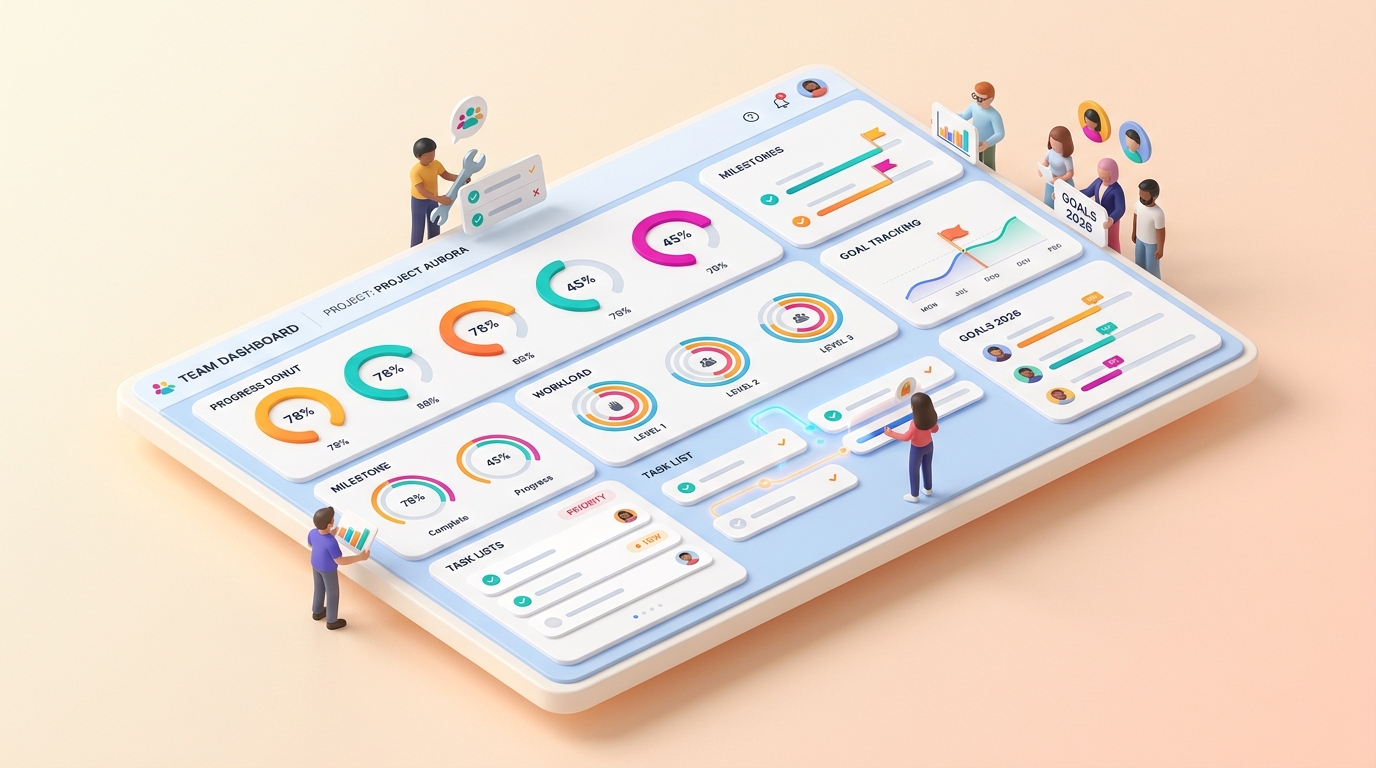
- Dashboards and reporting. Widgets that pull data from one or more boards into a single view, useful for managers who need a portfolio-level picture rather than a single project’s detail.
- Templates across departments. A large library covering project management, marketing campaigns, sales CRM, HR onboarding, and software development, which shortens the setup process considerably compared to building a board from a blank canvas.
- Integrations. A sizable marketplace of connectors to tools like Slack, Gmail, Google Drive, and various CRM and file-storage platforms, so Monday.com can sit alongside existing tools rather than replacing all of them at once.
- Collaboration features. Built-in docs, item-level updates, @mentions, and file attachments that keep discussion attached to the relevant task instead of scattered across separate chat threads.
Pricing Overview
Monday.com uses a per-seat, tiered subscription model for monday work management – the general-purpose boards product this review covers, as distinct from monday CRM, monday dev, or monday service, which are priced separately. The figures below reflect annual billing as currently displayed by monday.com; exact prices, seat minimums, and included limits can vary by billing country, billing cycle, taxes, and promotions, and can change over time, so it’s worth confirming the current numbers directly on Monday.com’s pricing page before budgeting.
| Plan | Price (billed annually) | Notable Inclusions |
|---|---|---|
| Free | $0 | Up to 2 seats, up to 3 boards |
| Basic | $9/seat/month | Unlimited free viewers and items; no Standard-level automation allowance |
| Standard | $12/seat/month | 250 automation actions/month, 250 integration actions/month, Timeline & Gantt views, Calendar, guest access |
| Pro | $19/seat/month | 25,000 automation actions/month, 25,000 integration actions/month, time tracking, private boards/docs, advanced board views |
| Enterprise | Custom | Enterprise-grade security, governance, permissions, and support |
Annual billing currently advertises roughly 18% savings compared with paying monthly. Paid plans start from 3 seats, while the Free plan tops out at 2 – so the effective monthly cost for a very small team is higher than the per-seat rate alone suggests. Treat the figures above as a starting point rather than a final quote, and confirm current pricing and seat minimums on monday.com’s official pricing page before purchasing.
Pros and Cons
Pros
- Highly visual, flexible boards that can be adapted to a wide range of workflows across different departments, not just project management.
- Automation recipes reduce a meaningful amount of manual status-chasing once a team is on the Standard plan or above.
- A broad integration marketplace makes it easier to slot Monday.com alongside tools a team already uses.
- Dashboards make it straightforward to roll several boards up into a single, manager-friendly view.
- Templates across departments shorten the time it takes to get a new board or workflow off the ground.
Cons
- The flexibility that makes Monday.com powerful also means a fair amount of upfront setup is needed to get a board structure that actually fits a team’s process.
- Automations and advanced reporting are locked behind the Standard tier and above, so the cheaper plans have real limitations for teams that want those features.
- Paid plans start from 3 seats, so a very small team or solo user ends up paying for seats they may not need – worth factoring into the real per-person cost before committing.
- Feature and pricing changes have occurred more than once in recent history, so it’s worth double-checking current terms rather than relying on older comparisons.
Who Should Use Monday.com?
- Growing, cross-functional teams that need one visual system spanning marketing, sales, and operations rather than a tool scoped narrowly to one department.
- Marketing and creative teams managing campaigns, content calendars, and approval workflows where visibility into status across many small tasks matters more than deep technical project tracking.
- Agencies juggling multiple clients or projects at once, where dashboards that roll several boards into one view can save real coordination time.
- Operations and HR teams looking to standardize recurring processes, like onboarding or intake requests, using board templates instead of ad hoc spreadsheets.
Teams that need deep, engineering-specific issue tracking (sprints, code-linked tickets, and detailed backlog grooming) may find a developer-first tool a closer fit for that particular workflow, even if they still use Monday.com for the rest of the organization.
Monday.com Alternatives
Monday.com isn’t the only work management platform on the market, and depending on a team’s priorities, one of the following alternatives might be a closer fit:
The comparison below reflects publicly available information at the time of writing. Pricing tiers and feature sets change periodically, so confirm current details directly on each provider’s official site before deciding.
| Tool | Pricing Tier | Key Features | Best For |
|---|---|---|---|
| Monday.com | Free plan; paid tiers scale up through Pro and Enterprise | Highly visual boards, automations, cross-department templates, dashboards | Growing, cross-functional teams wanting one flexible system |
| ClickUp | Free tier; paid tiers available | Very broad feature set (docs, goals, chat, whiteboards) bundled into most tiers | Teams wanting maximum features bundled into one platform |
| Asana | Free tier; paid tiers available | Structured task hierarchies, Goals and Portfolios, strong timeline view | Teams wanting more structured planning than a freeform board |
| Trello | Free tier; paid tiers available | Simple Kanban-first interface, lightweight automation (“Butler”) | Small teams wanting a simple, low-overhead board tool |
| Wrike | Free tier; paid tiers available | Advanced reporting, resource management, enterprise-grade permissions | Larger teams needing heavier project-portfolio controls |
| Smartsheet | Paid tiers, with a limited free option | Spreadsheet-first interface, strong automation and grid-style reporting | Teams that think in spreadsheets but want automation layered on top |
If one of these alternatives looks closer to what your team needs, it’s often worth trialing two tools side by side before committing to a paid seat count.
Start Free with Monday.com
ClickUp
ClickUp tends to bundle a broader set of features – docs, goals, chat, and whiteboards – into its tiers compared to Monday.com’s more focused, board-first approach. The tradeoff is that ClickUp’s interface can feel more crowded to new users, since there’s simply more packed into each screen. Teams that want maximum functionality bundled into one platform, and don’t mind a slightly steeper learning curve, are often a good fit for ClickUp.
Asana
Asana leans toward structured task hierarchies and formal goal-tracking (Portfolios, Goals) rather than Monday.com’s freeform, spreadsheet-like boards. Teams that want a more opinionated structure guiding how work gets organized, rather than building that structure themselves from scratch, often prefer Asana’s approach.
Wrike
Wrike is generally positioned toward larger organizations that need heavier resource management, advanced reporting, and enterprise-grade permission controls. It can feel like more tool than a small team needs, but for organizations managing many overlapping projects and resources across departments, that depth is often the point.
Trello and Smartsheet
Trello is the simplest option on this list: a Kanban-first board tool with lightweight automation, well suited to small teams that want something easy to pick up without much configuration. Smartsheet takes the opposite approach, built around a spreadsheet-style grid rather than colorful boards, which tends to appeal to teams and industries that already think in rows and columns and want automation layered on top of that familiar format.
Final Verdict
Monday.com earns its place in this category through flexibility: its board-based system can be reshaped to fit workflows across marketing, sales, operations, and beyond, rather than being scoped narrowly to one department’s process. For growing, cross-functional teams that want one visual system instead of several disconnected tools, that flexibility is usually worth the setup time it takes to get boards configured well. Teams that want a more opinionated, ready-made structure, or that are managing on a very tight per-seat budget, may want to weigh it against a more structured tool like Asana or a simpler tool like Trello before deciding.
If your team’s day-to-day work spans multiple departments and would benefit from a shared, visual source of truth, Monday.com is a reasonable platform to test against your own workflow before committing to a paid tier.
Ready to see it in action? Set up a real board with your own tasks – either on the Free plan or the 14-day Pro trial – before choosing a paid tier.
Start Free with Monday.com