Disclosure: The Stack Guidebook is reader-supported. When you buy through links on our site, we may earn an affiliate commission. Learn more in our Affiliate Disclosure.
Is Thinkific Worth It for Selling Online Courses?
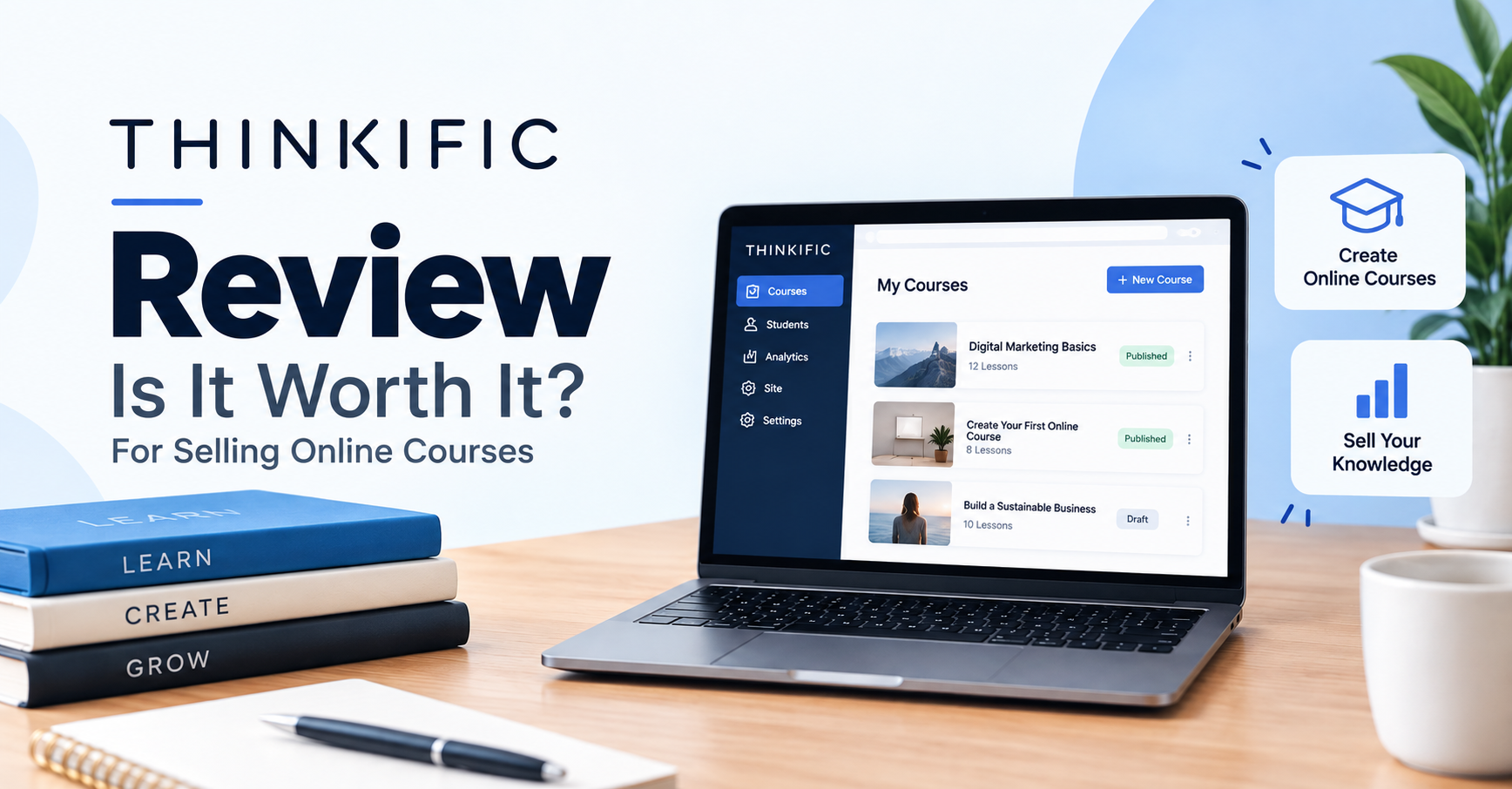
Thinkific is a solid choice for course creators who want a hosted, all-in-one platform to build, market, and sell courses without needing separate hosting, video, or checkout tools. It is best suited to individual creators, coaches, and small businesses that want a reasonably priced platform with strong course-building flexibility, rather than teams that need deep enterprise-grade marketing automation or a heavily built-in community-first product. For most independent instructors, Thinkific is worth it — but the right plan depends on how many students you have, how much marketing automation you need, and whether you want built-in community features.
Below, we break down what Thinkific actually does, what it costs, where it falls short, and how it compares to the alternatives most creators consider before buying.
What Is Thinkific?
Thinkific is a course-hosting and online school platform. It lets you upload video lessons, build quizzes and assignments, issue completion certificates, and sell access to that content through a branded website, a checkout page, or embedded on your own domain. Unlike course marketplaces (such as Udemy), Thinkific does not bring you students — you’re responsible for your own marketing and traffic, but in exchange you keep control of pricing, branding, and your customer relationships.
Thinkific has expanded well beyond basic course hosting over the years. It now supports cohort-based courses, coaching products, digital downloads, memberships, and (through its own community product) discussion-style communities, positioning it as a broader “creator commerce” platform rather than a single-purpose course tool.
Key Features
Course Building
- Drag-and-drop course builder supporting video, text, PDFs, audio, and downloadable files.
- Quizzes, surveys, and assignments with manual grading options.
- Drip content scheduling to release lessons over time.
- Completion certificates for finished courses.
- Support for cohort-style courses and live coaching-style products in addition to self-paced content.
Website and Branding
- A built-in site builder with customizable themes so you can run a fully branded school without a separate website builder.
- Custom domain support (available on paid plans).
- Landing page and sales page tools for individual courses or bundles.
Sales and Marketing
- Coupons, order bumps, and course bundling to increase average order value.
- Native integrations and Zapier support for connecting email marketing tools, CRMs, and analytics platforms.
- An affiliate marketing app for creators who want to recruit promoters.
- Support for one-time payments, subscriptions, and payment plans, depending on your plan tier.
Community and Engagement
Thinkific offers a community feature that allows course creators to add discussion spaces around their content, which is useful for creators trying to reduce churn on membership-style products. Community functionality and depth vary by plan, so if a built-in community is a priority, confirm exactly what’s included at your intended tier on Thinkific’s official pricing page before purchasing.
Payments
Thinkific supports Thinkific Payments as its integrated payment solution and also supports third-party payment gateways such as Stripe for eligible plans and regions. Payment-processing fees apply and vary by payment method and location. In supported regions, using a third-party gateway can also trigger an additional plan-dependent gateway fee, while transactions processed through Thinkific Payments do not incur that additional third-party gateway fee.
Thinkific Pricing
Thinkific publishes several paid subscription tiers. Rather than scaling mainly by number of courses, the paid tiers currently all include unlimited published courses, and higher tiers instead expand commerce, community, analytics, administration, B2B, and integration capabilities. As of September 2026, the standard tiers are structured roughly like this:
- Basic — An entry-level paid tier aimed at solo creators, priced at $54/month billed monthly or around $40/month billed annually, with unlimited published courses and core sales and marketing tools unlocked.
- Start — A mid-tier plan priced at $109/month billed monthly or around $82/month billed annually, adding more advanced marketing, admin, and team capabilities.
- Grow — A higher mid-tier plan priced at $219/month billed monthly or around $164/month billed annually, adding stronger community, analytics, and B2B functionality.
- Plus — Custom pricing for larger schools with higher volume, advanced security, and dedicated support needs.
Because Thinkific periodically updates its plan names, limits, and monthly rates, exact current prices should always be confirmed directly on Thinkific’s official pricing page before you buy. As a general pattern that has held true across recent years: annual billing is meaningfully cheaper than month-to-month billing, and higher tiers unlock more advanced marketing, community, and administrative features rather than just “more courses.” Payment-processing fees apply on every plan, and in supported regions, using a third-party gateway such as Stripe or PayPal can trigger an additional plan-dependent gateway fee, while using Thinkific Payments avoids that additional gateway fee. Confirm these details for your specific plan and country, since payment options and fee structures can vary by region.
Free Trial and Refunds
Thinkific currently offers a 30-day free trial on its paid plans, allowing creators to test the platform before committing to a subscription. Trial length and eligibility can change over time, so confirm the current offer on the official pricing page before signing up. For refund policies on paid subscriptions, rely on Thinkific’s official terms rather than assuming a blanket guarantee — refund eligibility can differ depending on plan type and billing cycle.
Pros and Cons
Pros
- Strong, flexible course-building tools that support a wide range of content types (video, quizzes, assignments, drip content).
- You own your student data and branding rather than competing inside a marketplace algorithm.
- A 30-day free trial lets creators test the platform before committing to a paid subscription.
- Built-in website builder removes the need for a separate site tool for many creators.
Cons
- More advanced marketing automation (segmentation, complex email sequences) is generally weaker than dedicated all-in-one platforms like Kajabi.
- Community and cohort features, while present, are not as deep as tools built specifically around community-first models.
- Higher-tier plans can get expensive as you add students and admin seats or need advanced features early on.
- As with most course platforms, driving traffic and enrollments is entirely on you — Thinkific does not supply a student marketplace.
Who Is Thinkific For?
Good Fit
- Independent course creators and coaches who want full ownership of their content, pricing, and branding.
- Creators who want a flexible course builder with support for quizzes, certificates, and drip content without needing custom development.
- Small businesses adding training or certification programs as a secondary revenue stream.
- Creators who prefer transparent, predictable subscription pricing over marketplace-style revenue sharing.
Possibly Not the Best Fit
- Creators who need heavy marketing automation (advanced funnels, deep email segmentation) as their primary use case may find dedicated marketing-first platforms more capable out of the box.
- Community-first creators who want a robust, Discord- or Circle-style community experience as the core product, rather than an add-on to course content.
- Very early-stage creators with no budget who need to use features like coupons or memberships without eventually paying for a subscription — Thinkific requires a paid plan once the 30-day free trial ends.
How Thinkific Compares to Alternatives
Thinkific vs. Teachable
Teachable is one of Thinkific’s closest direct competitors, with a similar course-hosting model and site builder. The two platforms are frequently compared because they target the same core audience: independent instructors selling structured courses. Historically, a key difference has been that Teachable has charged a transaction fee on its lower-tier paid plans (currently 7.5% on its Starter plan), while Thinkific does not charge its own percentage-based transaction fee on paid plans — though payment-processing fees still apply, and in supported regions using a third-party gateway such as Stripe or PayPal can add a separate, plan-dependent gateway fee that Thinkific Payments avoids. Fee structures on both platforms change over time, so check each provider’s official pricing page for current terms before deciding based on this factor alone. Feature-wise, the two are close competitors; the better choice often comes down to which builder and admin experience you personally prefer, along with your current plan’s pricing at the tier you actually need.
Thinkific vs. Kajabi
Kajabi is generally positioned as a more expensive, more marketing-heavy all-in-one platform, bundling email marketing automation, pipelines/funnels, and course hosting into one product. Kajabi tends to start at a noticeably higher monthly price point than Thinkific’s entry-level paid plans. If your business depends heavily on sophisticated email funnels and marketing automation as much as course delivery, Kajabi’s more integrated marketing stack may justify the higher cost. If course delivery and a simpler, less expensive setup matter more, Thinkific is usually the more budget-friendly option. Always verify current pricing on Kajabi’s official pricing page, since Kajabi has restructured its plans and limits in the past.
Thinkific vs. Podia
Podia is generally the more budget-conscious alternative, appealing to creators who also want to sell digital downloads, memberships, and coaching in a simpler package. Podia’s plan structure has historically been leaner than Thinkific’s, with fewer tiers and a simpler feature ladder. Podia can be a good fit for creators who want simplicity over deep course-building granularity, while Thinkific tends to offer more course-specific features (like detailed quiz logic and completion certificates) at comparable or similar price points. Compare both official pricing pages directly, since Podia has changed its plan names and limits in recent years.
Final Verdict
Thinkific is a mature, well-built platform for creators who want to own their course business rather than rent space on a marketplace. Its strengths are in flexible course construction, straightforward website and checkout tools, and pricing that scales in a fairly predictable way as your school grows. Its weaknesses show up mainly at the edges: creators who need deep marketing automation or a community-first product may eventually want something more specialized.
For most solo instructors, coaches, and small teams selling structured online courses, Thinkific is worth it — particularly if you value control over your brand and customer relationships and don’t need the heavier marketing automation of a platform like Kajabi. Before subscribing, confirm the current plan names, limits, and pricing directly on Thinkific’s official pricing page, since course-platform pricing structures are updated periodically and the numbers you see during research can shift by the time you’re ready to buy.